
Best AI Tools for Image Generation: Choose the Right One
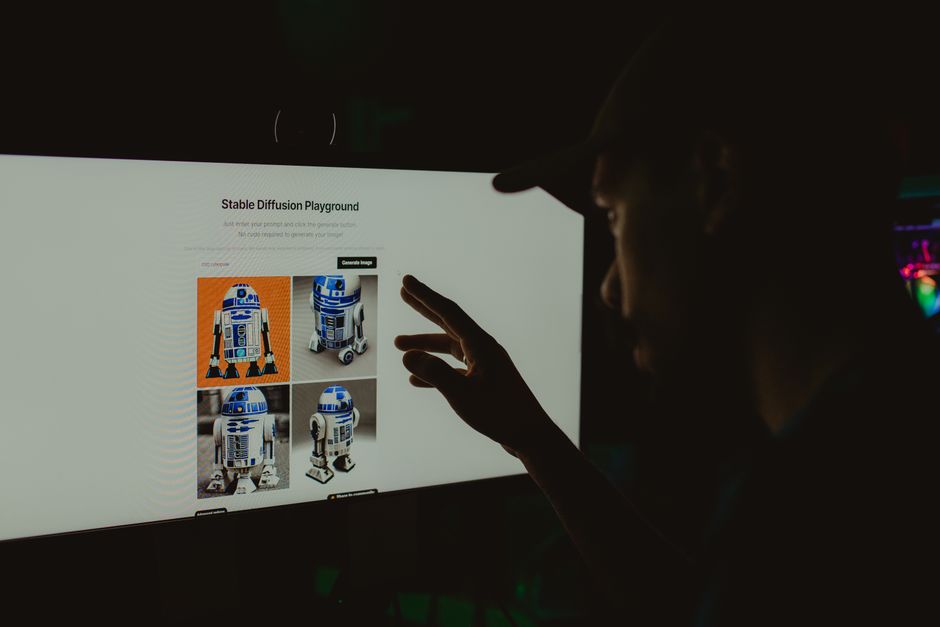
The best AI tools for image generation depend on the job: choose ChatGPT for conversational generation and targeted edits, Gemini for browser-based access and reference-image workflows, Midjourney for style control and generous Relax Mode plans, and Adobe Firefly for editing workflows and Adobe’s stated commercial-use positioning. Compare tools with the same prompts, then check current limits and terms before using an image in paid work.
What is currently the best AI for image generation?
There is no single best AI image generator for every use case; the right choice depends on whether you need precise edits, a particular visual style, text in the image, or a commercial workflow. A good comparison separates those jobs instead of treating one overall score as the whole answer.
The OneIG-Bench benchmark presented at NeurIPS 2025 evaluates prompt-image alignment, text rendering, reasoning, stylization, and diversity. Its design highlights a practical point: a generator can be strong in one dimension and weaker in another. In the benchmark’s tested model set, Seedream 3.0 was strongest across nearly all tested text-rendering subdimensions, but that result does not establish it as the best product for every task.
Use this decision matrix to narrow the field. It reflects product capabilities and published terms in the sources below; it is not a new head-to-head performance test.
| Option | Who it suits | Published cost or access | Key limitation |
|---|---|---|---|
| ChatGPT Images | People who want conversational image creation, uploads, and targeted editing | Available on all tiers; plan usage limits apply | Specific generation quotas are not published in the supplied source |
| Gemini image generation | People who want browser access, editing, reference-photo style transfer, or character consistency | Available for free with limits; paid Google AI plans provide access to the advanced image model and higher limits | Availability varies by country and plan; exact quotas are not published in the supplied source |
| Midjourney | People who prioritize style exploration and can use its plan-based workflow | Basic $10/month; Standard $30/month; Pro $60/month; Mega $120/month; annual billing listed at 20% less | Basic has 200 minutes of Fast GPU time monthly and no unlimited Relax Mode; Stealth Mode is limited to Pro and Mega |
| Adobe Firefly | People who need generation plus editing workflows such as object removal, crop/expand, and upscaling | Free daily generations; paid plans provide monthly generative-credit allocations | Exact daily free quantity and paid-plan prices are not published in the supplied source |
For a fast first pass, run one prompt for a realistic scene, one for a stylized illustration, and one that requires legible text. Keep subject, composition, lighting, and requested wording identical. Score each result for prompt accuracy, realism or style fit, text accuracy, and how much correction it needs. This makes the trade-off visible without pretending there is one universal winner.
Is ChatGPT the best AI for image generation?
ChatGPT is a strong fit when the work involves conversation, image uploads, and a sequence of precise edits; the supplied sources do not establish it as the best generator overall. OpenAI says ChatGPT Images is available on web, iOS, and Android, on all tiers, with plan usage limits.
Its workflow covers creating new images, uploading an existing image, selecting an area for targeted edits, and specifying aspect ratios. OpenAI also describes following instructions to add text and preserve details across successive edits. That makes it useful when the brief changes after the first result: ask for a change to one area, then check whether the rest of the image stayed consistent.
Try a preservation test before choosing it for a real project: upload an image, ask for one localized change, and name two details that must remain unchanged. For example, the instruction can be, “Change the background to a warm indoor setting. Keep the subject’s clothing and the object in their left hand unchanged.” Review both the requested change and the preserved details. The supplied source describes these capabilities but does not publish a controlled comparison against the other products here.
Ownership language also needs care. OpenAI’s Terms of Use state that, between the user and OpenAI and to the extent permitted by law, the user owns the output. The terms also caution that outputs may not be unique and that users are responsible for legal and third-party-rights issues. Platform ownership does not itself establish copyright protection.
Which AI image generator makes the most realistic images?
The supplied sources do not name a definitive winner for photorealism, so the most accurate answer is to compare realistic-image prompts directly rather than rely on an unsupported ranking. The OneIG-Bench dimensions show why that matters: prompt alignment, style, reasoning, and text rendering capture different strengths, and the benchmark’s listed scope does not provide a product ranking for photorealism among all four options in this guide.
Use a controlled realism prompt: specify the same subject, setting, camera viewpoint, lighting, and materials in each tool. Then check whether the requested objects appear, whether details look coherent, and whether the image follows the described composition. These are inspection criteria for your own repeatable test, not performance claims about any named generator.
For better evidence, save the exact prompt and date, then repeat the comparison when models or access limits change. Product pages and plan terms can change, so record the model or product option shown in your account and the conditions under which you generated the image. Do not treat a one-time result as a permanent ranking.
Which is better for image generation, ChatGPT or Gemini?
ChatGPT is the clearer fit for conversational, targeted edits to uploaded images, while Gemini is a strong fit for a browser-based workflow that includes reference-photo style transfer, combining photos, and character consistency. Neither supplied product source provides a controlled head-to-head test, so the better choice is the one that matches the task and limits you can accept.
Google lists text rendering, image editing, reference-photo style transfer, combining photos, and maintaining character consistency among Gemini’s capabilities. Gemini is available through a web app, and Google says free use has limits; paid Google AI plans provide access to its advanced image model and higher generation limits. Availability varies by country and plan.
ChatGPT’s documented strengths include selecting an area for an edit, setting aspect ratios, and requesting detail preservation across successive edits. A simple decision rule helps: choose by the edit you need to repeat. If you want to revise part of an uploaded image through instructions, compare ChatGPT’s area-selection workflow; if you need reference-photo styling or consistency across images, test Gemini’s stated capabilities.
For illustration-led work, include Midjourney and Firefly in the shortlist. Midjourney’s published plans include Relax Mode without unlimited image generations on Basic, while Standard, Pro, and Mega list unlimited Relax Mode generation. Firefly combines image generation with object removal, crop/expand, and upscaling workflows. If you also need moving visuals, see Best AI Tools for Video Editing Free: Choose the Right Editor.
Frequently Asked Questions
What is the best free AI image generator, and what are its limits?
Gemini and ChatGPT both describe image generation as available on free tiers, with limits applying. Adobe Firefly also offers free daily generations. The supplied sources do not give a comparable number of free generations across these services, so check each product’s current account limits before planning a batch.
Which AI image generator is best for putting readable text in an image?
The available benchmark reports that Seedream 3.0 performed strongest across nearly all tested text-rendering subdimensions in its model set. Among the products covered here, OpenAI and Google describe text rendering as a capability, but the supplied sources do not provide a head-to-head result establishing one as the best.
Can I use images from these AI tools for commercial work?
The answer depends on both the product’s terms and applicable law. Adobe says Firefly outputs are designed to be safe for commercial use, while Midjourney’s terms set a Pro or Mega subscription requirement for companies with more than $1 million in annual gross revenue to own assets. The U.S. Copyright Office says purely AI-generated material is not protected by U.S. copyright, and human contributions are assessed case by case.
Which generator is easiest to use without installing software?
Gemini is available through its web app without installing image-generation software, and ChatGPT Images is available on the web as well as iOS and Android. For either tool, availability and usage limits can depend on country, plan, or account.
Sources
Related guides
Best AI Tools for Resume Building: Choose the Right Fit
Compare AI resume tools by free exports, job-description tailoring, and writing support, then choose the fit for your workflow.
Best AI Tools for Video Editing Free: Choose the Right Editor
Compare free AI video editors by captions, watermark rules, export quality, desktop support, and free-plan limits.
Best AI Tools for Academic Research and Writing: Choose by Task
Choose AI research tools by task: discover papers, check citations, synthesize evidence, and review drafts with human verification.
How Can Google Cloud Operators Build AIOps Workflows?
Combine Cloud Monitoring, Logging, Gemini Cloud Assist, and bounded automation to investigate incidents and reduce alert noise safely.